Screenshot tour
Sometimes the fastest way to assess the software is just through screenshots so here they are:
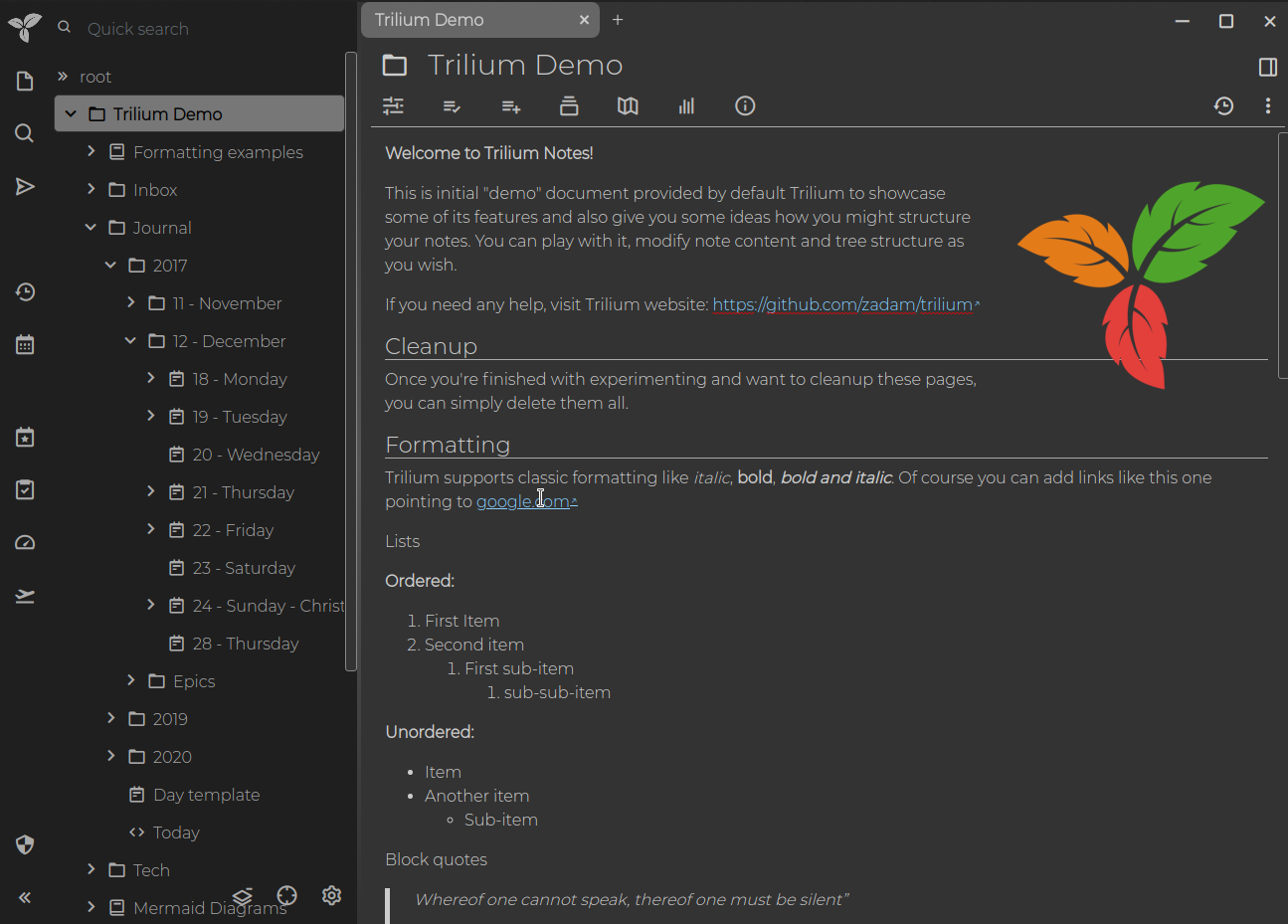
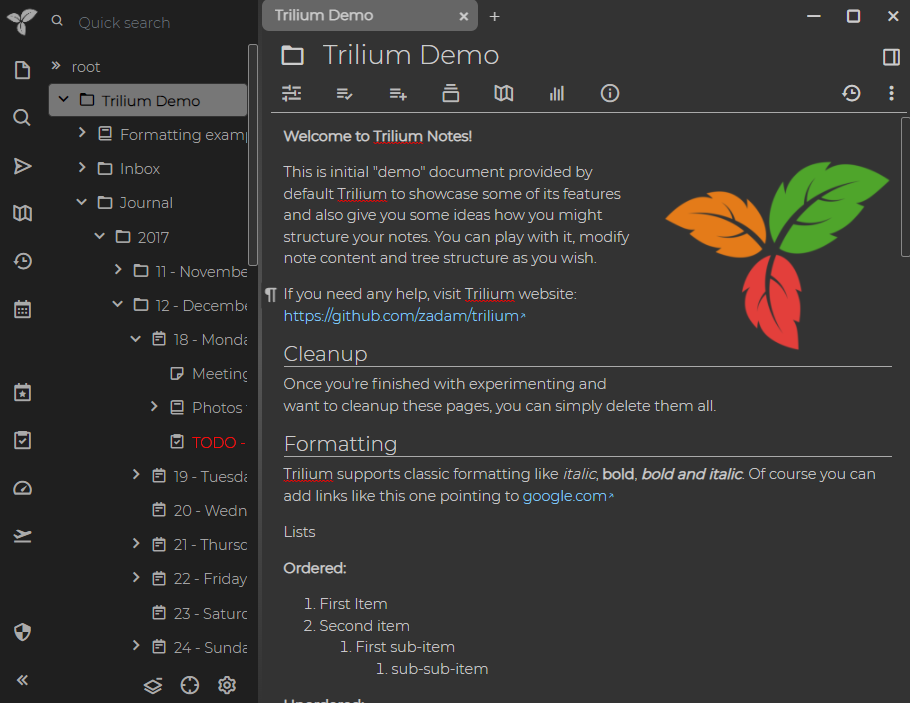
See Themes.
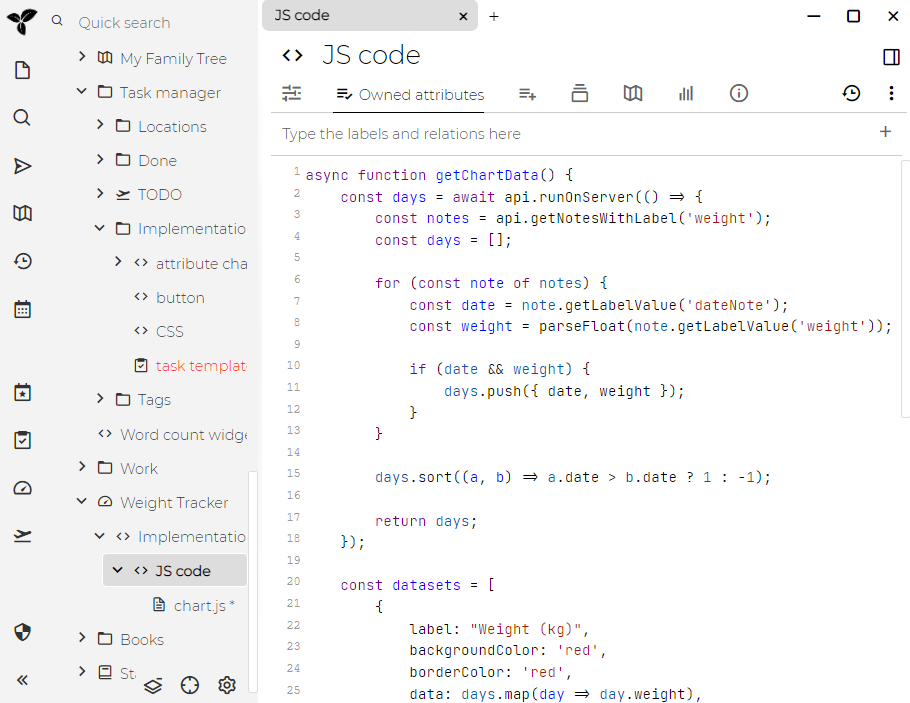
This shows code note editor.
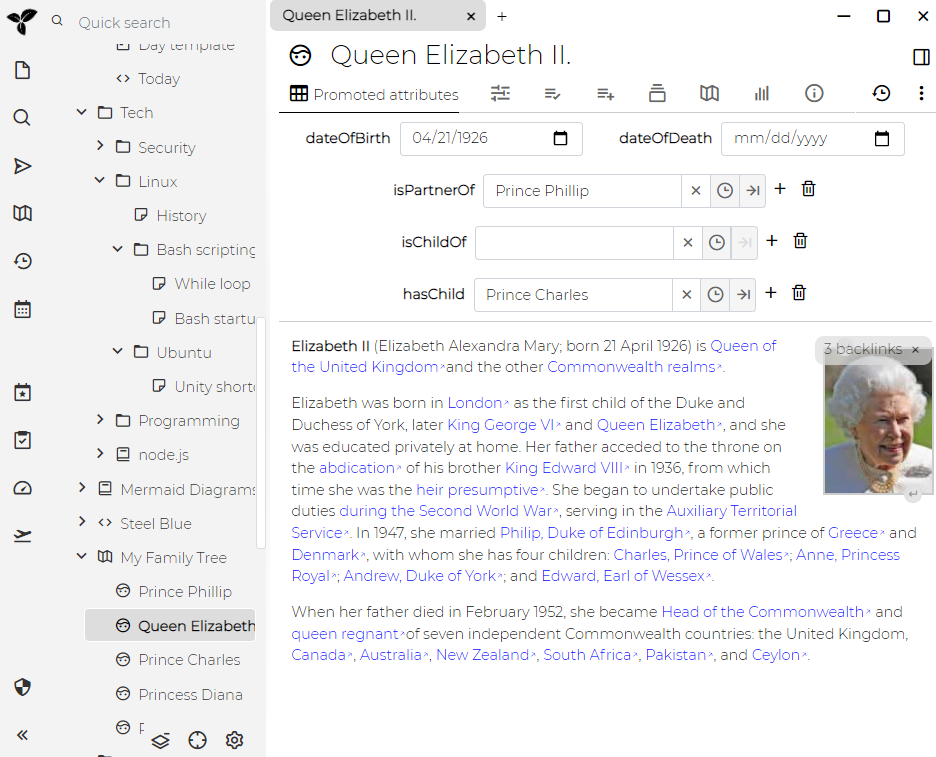
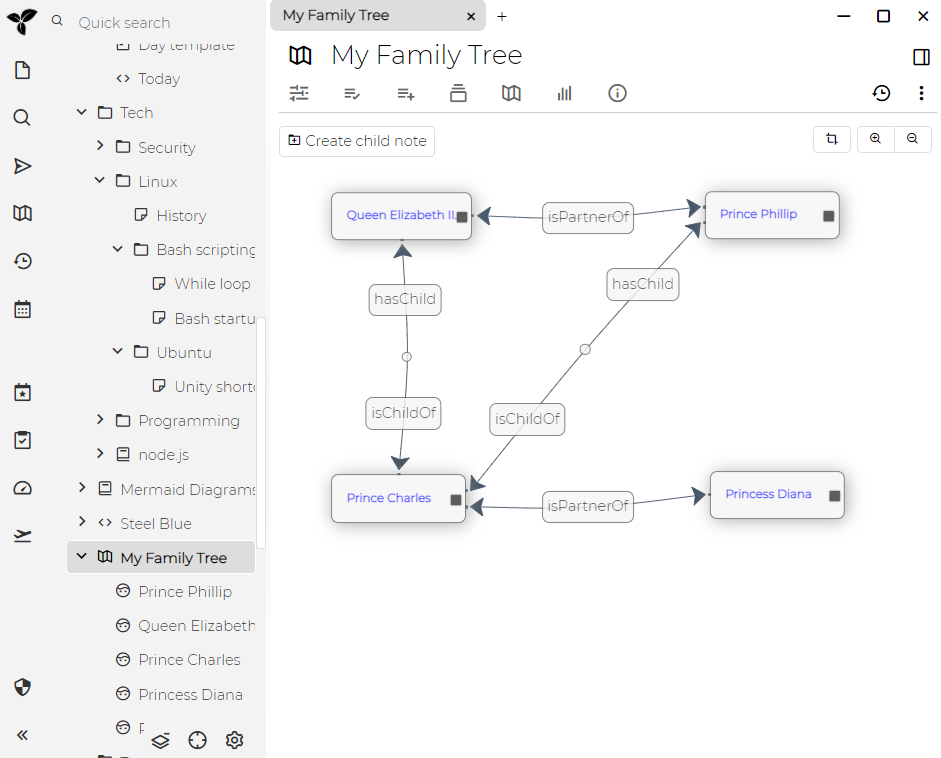
See relation map.
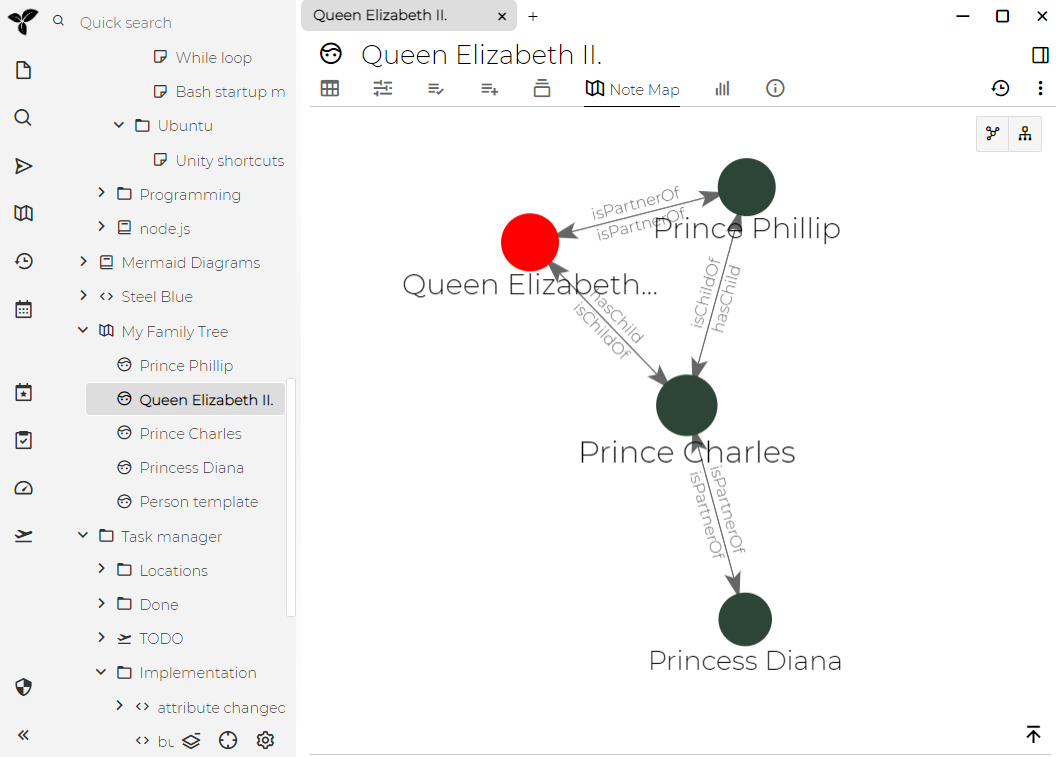
See link map.
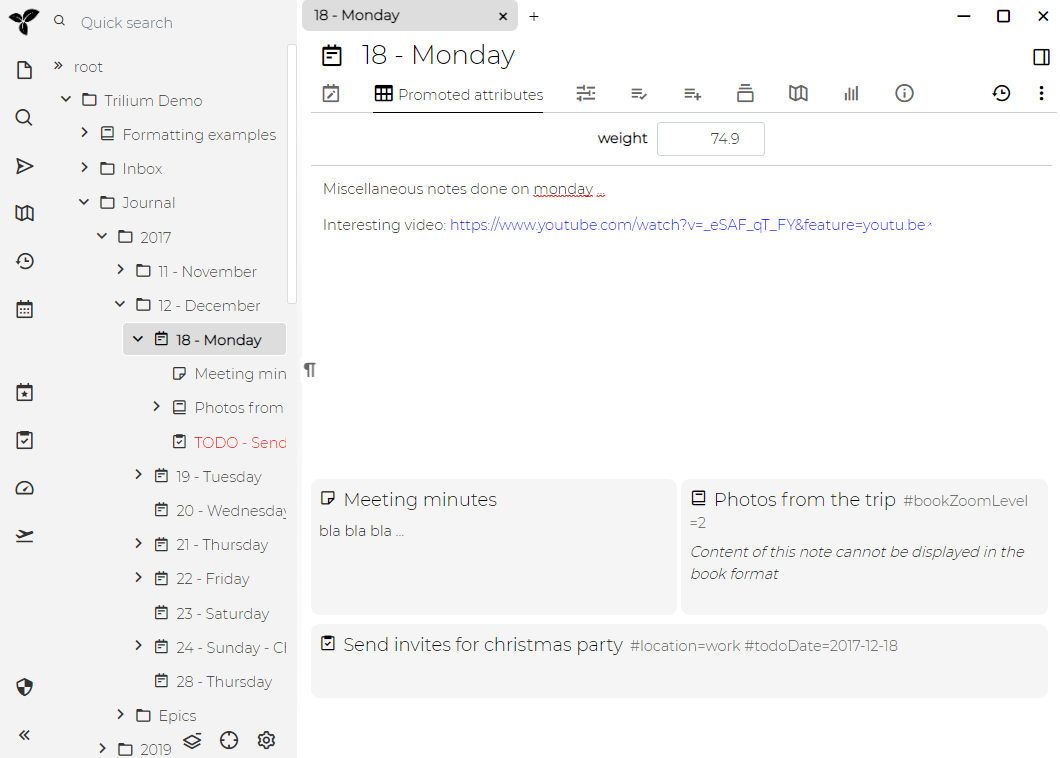
See Day notes.
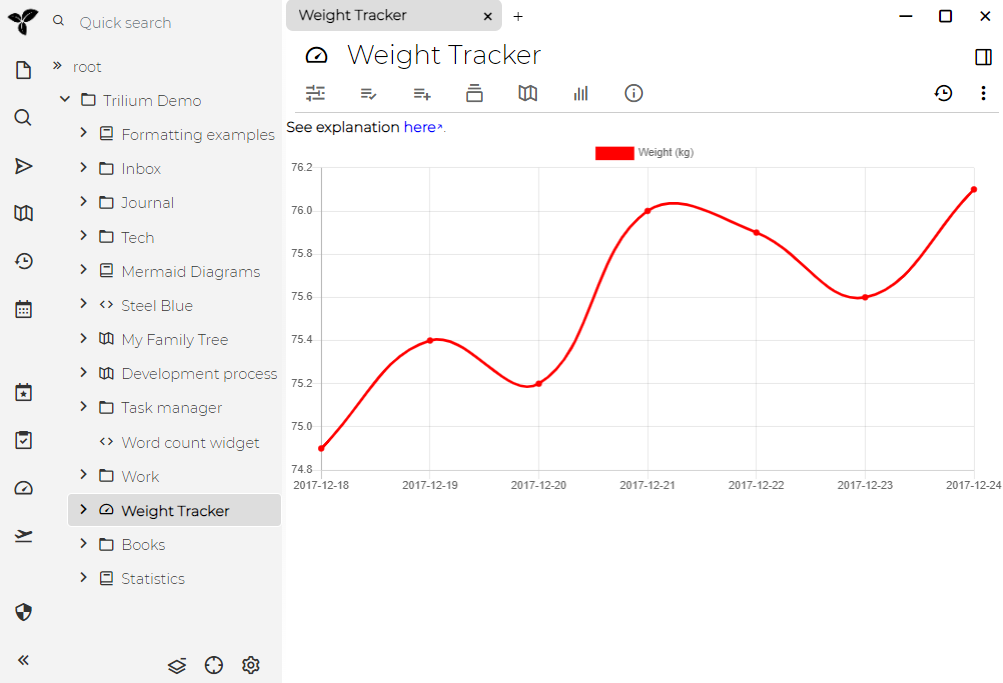
See Weight tracker.
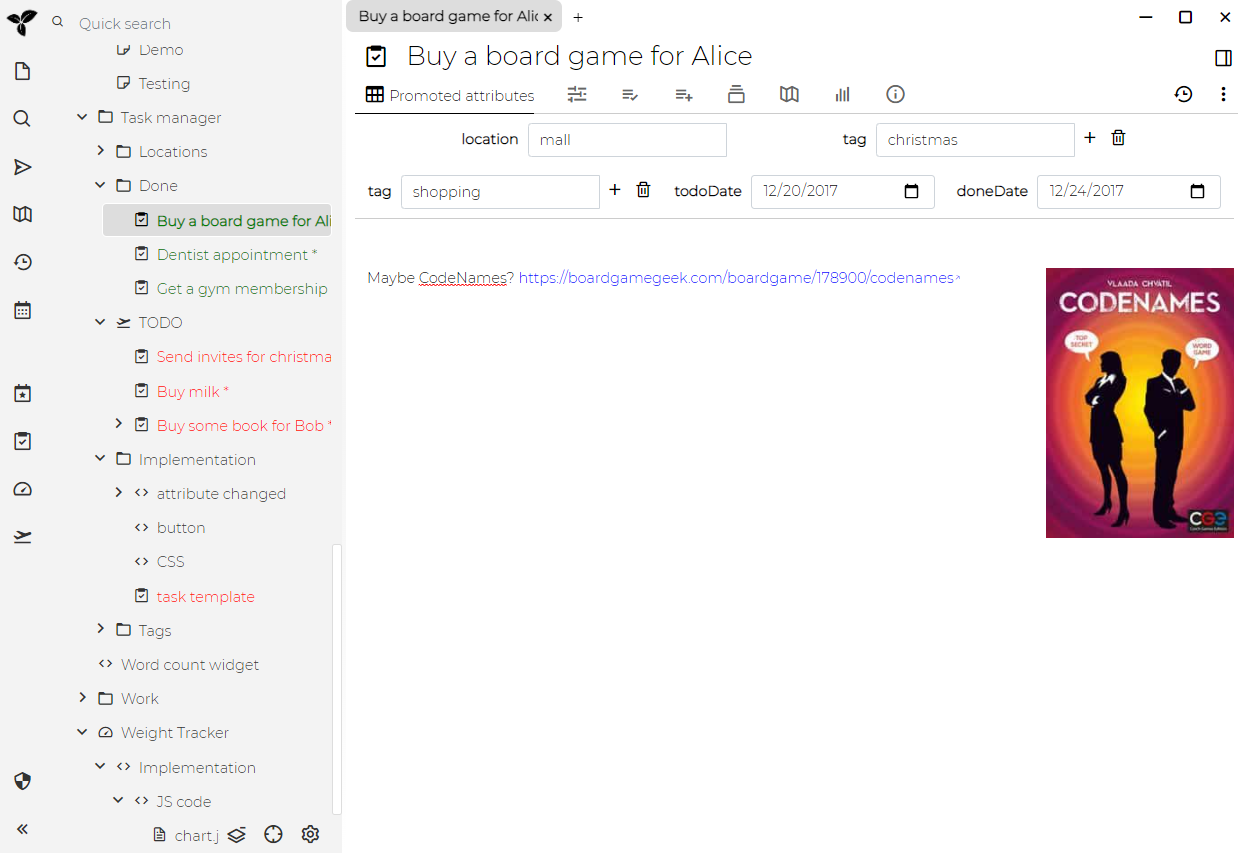
See Task manager.
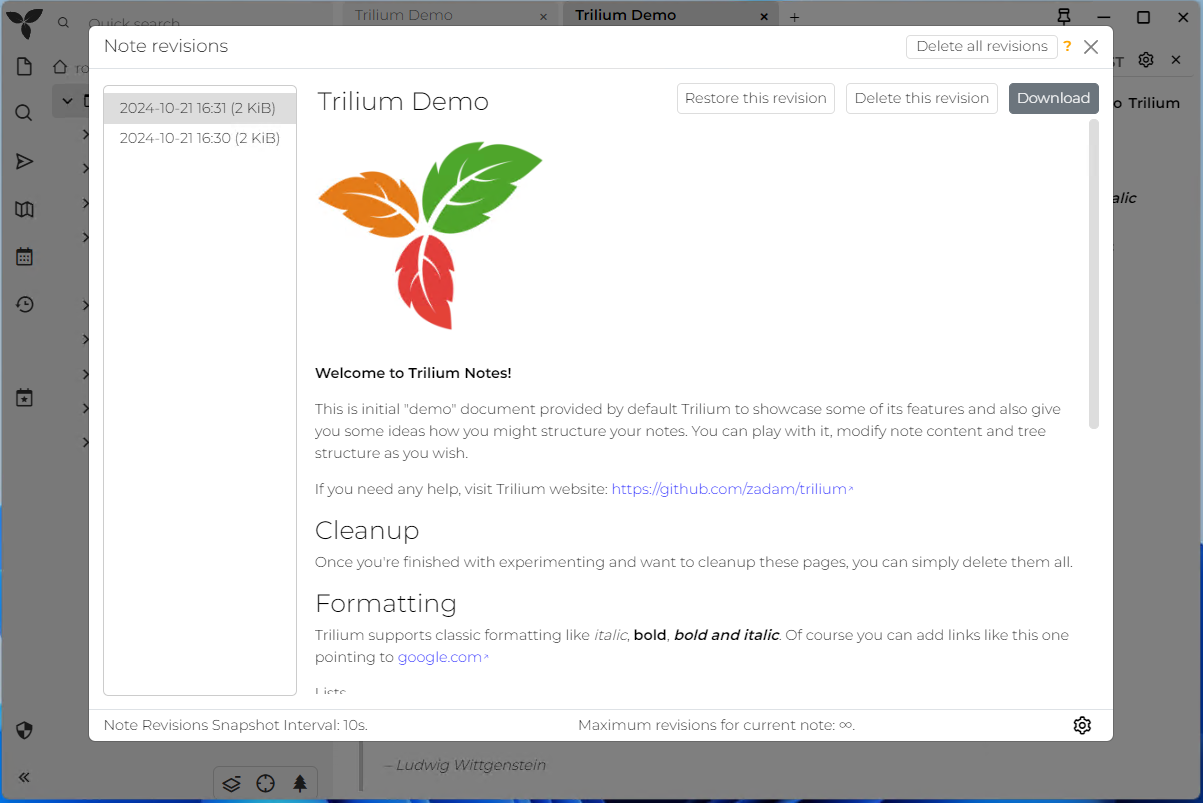
See Note revisions.
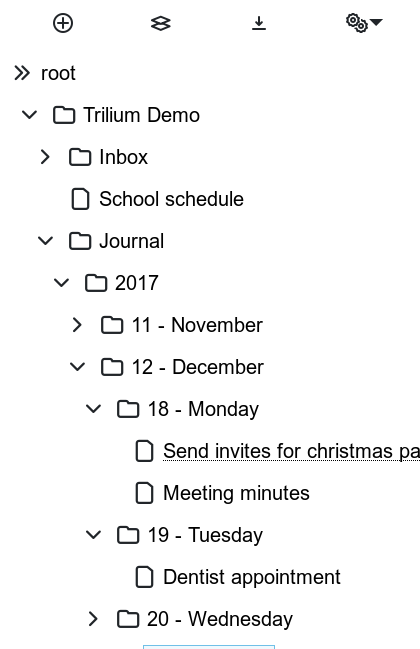
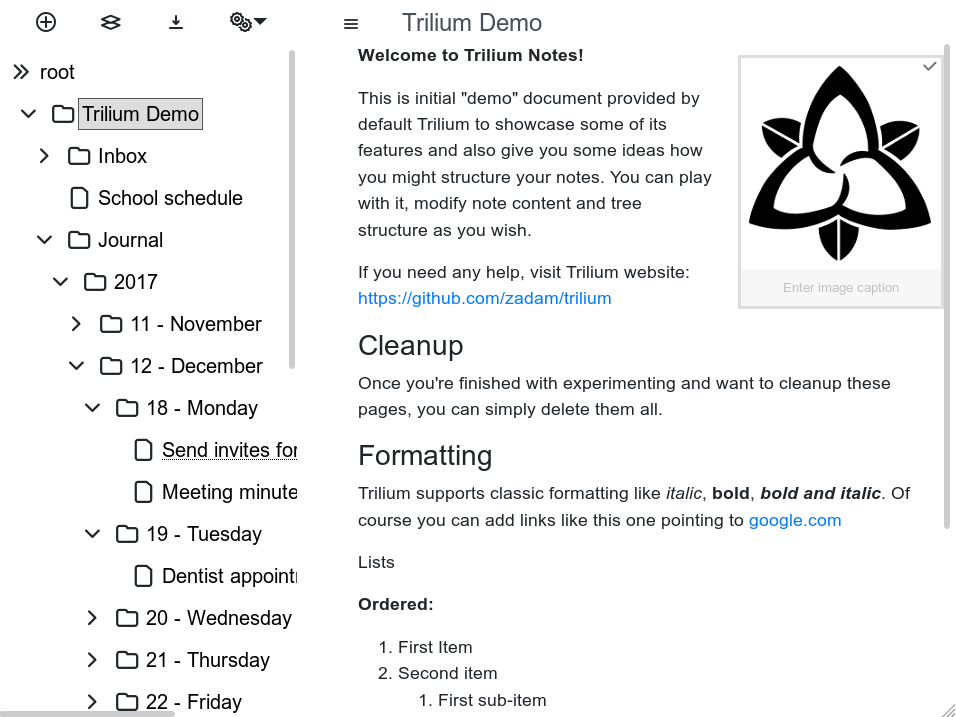
See Mobile frontend.